|
| |
- Think before you buy.
Retailers love to show off HD content. Makes sense, right? After all, it is an HDTV you’re looking to purchase. But stop for a minute and ask yourself this "What do I actually spend my time watching?" Is it HD content or standard definition broadcast? Is it DVD’s or video games, sports or dramas? When you are shopping at your local retailer, ask to see the kind of content you normally watch on the HDTV you’re considering purchasing. You may find that the digital TV cable feed might not look as impressive as the demo loop running in the store.
- Don’t judge a display solely by its picture quality on the show floor.
When browsing the aisles of your favorite retailer, keep in mind that the displays on the retail floor are typically set to "torch modes" to compensate for the bright fluorescent lighting. This means that the retail units will appear brighter than normal when they are in your home. To get a better understanding of how a display will perform in a darker environment, check it out in a dedicated demo area with controlled lighting. It’s also a good idea to read several product reviews from credible sources such as the Perfect Vision, Home Theater magazine, Sound and Vision, PC Magazine, PC World, CNET and others.
- LCD or Plasma?
Both LCD and Plasma display technologies have the capability to present stunning visuals. Choosing between the two really depends on your viewing environment.
If you have a dark living room or home theater, a plasma display or front projector is probably the best choice for you. Why? Plasma displays present excellent peak brightness and deeper black levels than most LCDs. In addition, plasmas are typically less expensive and experience very little color degradation at wide viewing angles. This means that your favorite Lazy Boy doesn’t have to be parked directly in front of the screen to experience great HD pictures.
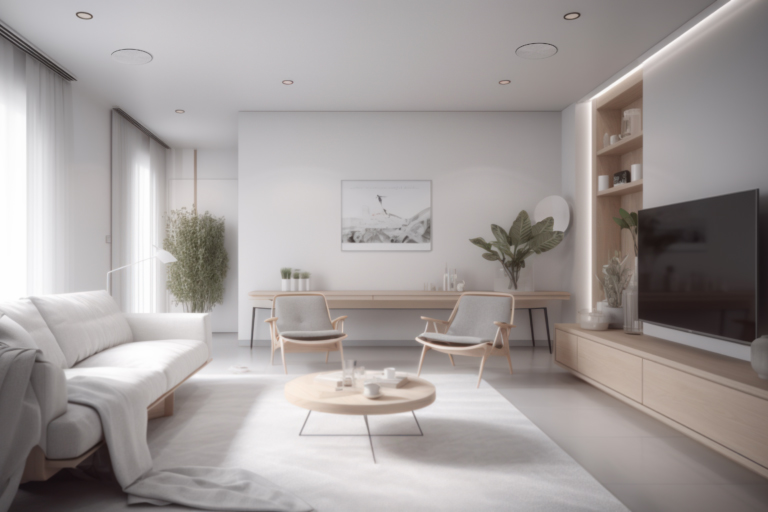
If your viewing area is a multi-purpose room with a lot of windows or other ambient light sources, an LCD might be a better choice. Why? Plasmas usually have shiny screens that reflect ambient light like a mirror, causing a glare. By contrast, LCDs have linear polarizers that minimize the impact of ambient light on the quality of the viewing experience. And, LCDs tend to be more energy efficient than plasmas.
- Consider a Projector.
The price of projectors has plummeted by more than 90 percent in recent years. As prices drop, performance keeps getting better and better. Today’s projectors have higher contrast ratios due to improved performance in DLP and LCD technology. If you have enough space and can control the ambient lighting with drapes or blinds, a projector might be right for you. If you have the budget for a premium projector, THX recommends its THX Certified products from Runco and Vidikron.
- Don’t go too big for your room.
The idea of having 120-inch display may seem like a good idea, but if you buy one that’s too big, it could compromise your entertainment experience. Choosing the appropriate size display comes down to how far away you are sitting from the screen. If you buy a massive display and sit three feet away, you’re going to be staring at pixels and lines.
To determine the best seat-to-screen distance in your living room for a 1080p display, THX recommends dividing the diagonal screen by .84. For example, an HDTV display with a 65-inch screen divided by .84 equals a 77-inch viewing distance (6.5 feet).
- Go 1080p, or go home.
THX recommends buying HDTVs with a resolution of 1080p.
- Subscribe to an HD service to truly experience the power of HDTV.
Believe it or not, many HDTV buyers don’t subscribe to HD content services. While HD programming is still limited, the number of channels and programs is growing everyday. Subscribing to an HD satellite or cable service provides you with a number of programming choices ranging from network dramas and sports to documentaries and Hollywood movies.
- Calibrate your HDTV before watching.
As mentioned above, most displays are set to special color and lighting modes to compensate for the fluorescent lights in retail environments. However, these levels don’t look the same when you get them out of the box at home. One of the easiest and least expensive ways to make sure your new HDTV has the right color and brightness settings is to use THX Optimizer. While other calibration tools are expensive and cumbersome to navigate, THX Optimizer is included on all THX Certified DVDs (The Incredibles, Star Wars, etc.) and takes only minutes to use.
- Don’t forget about the audio experience.
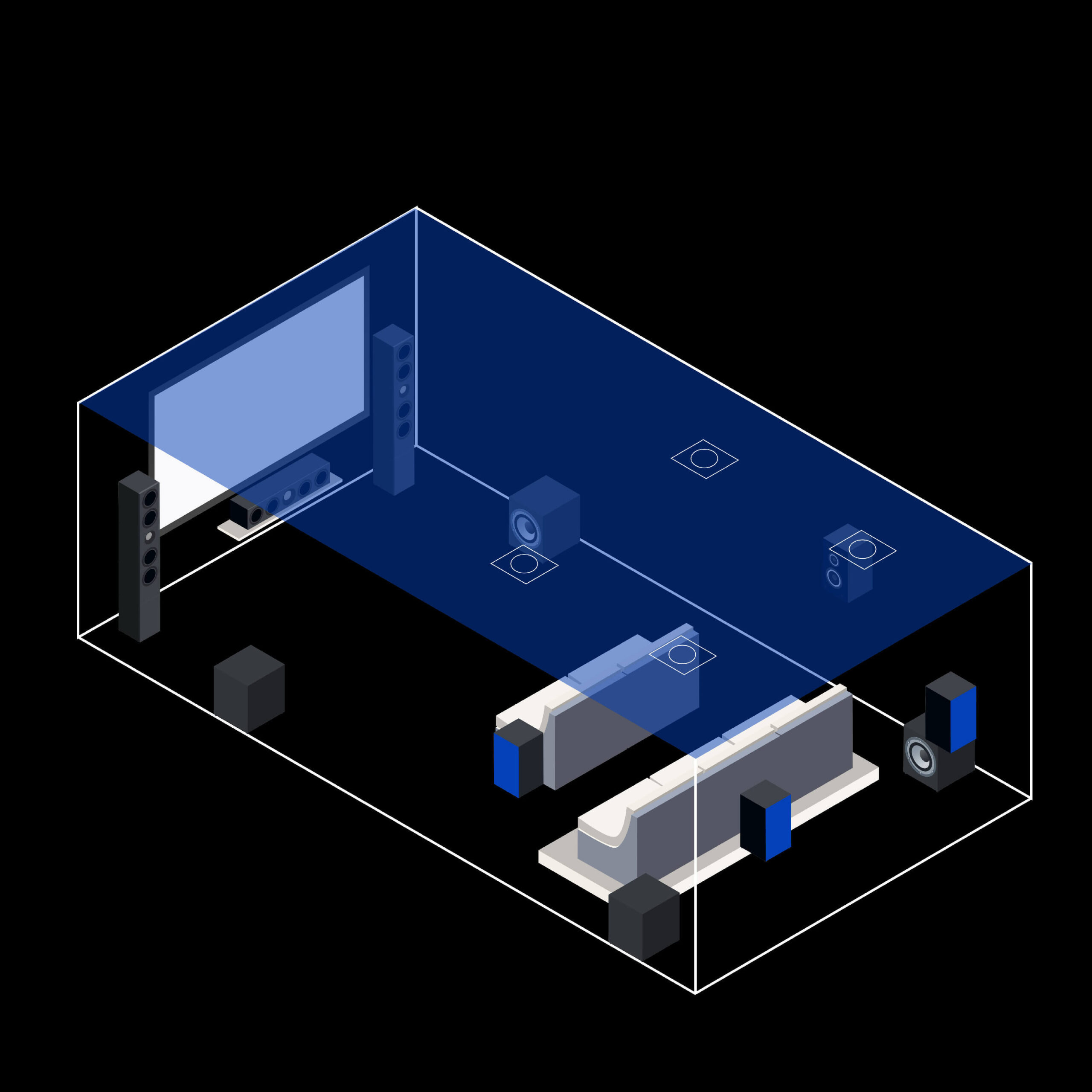
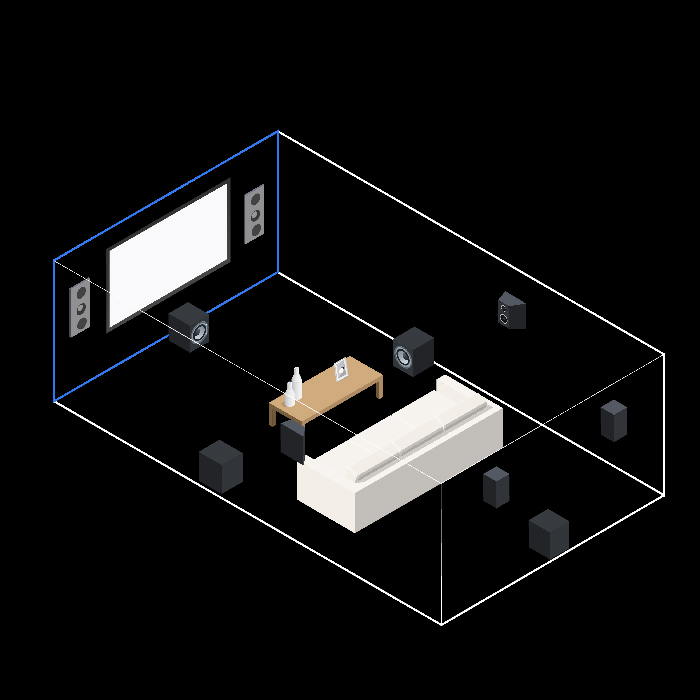
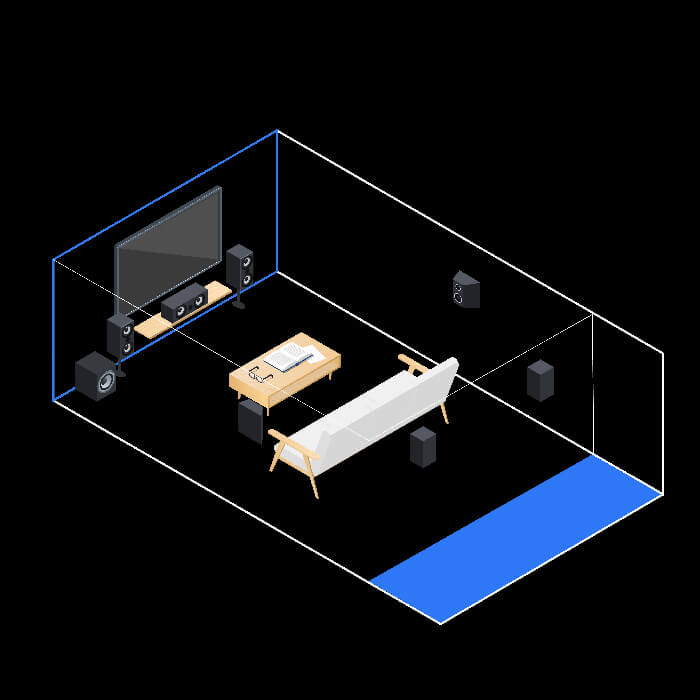
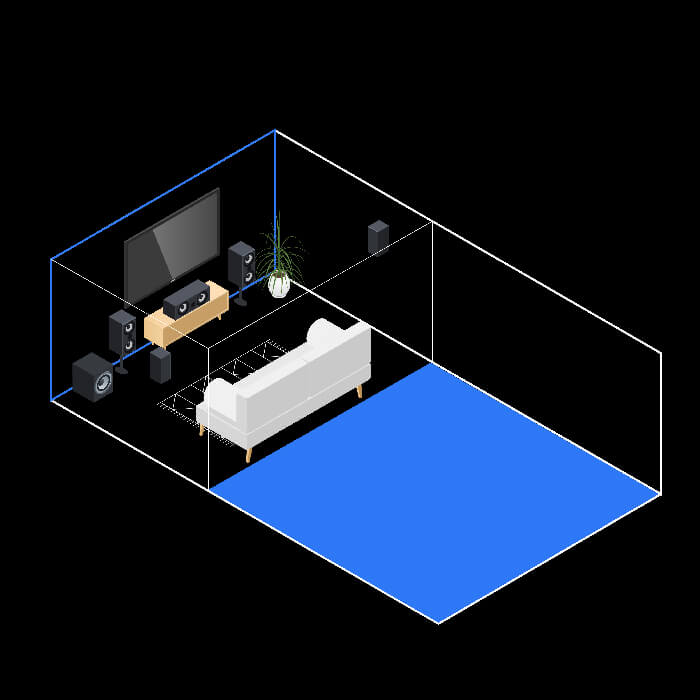
At THX, we believe that "sound is fifty percent of the movie experience." When you’re buying a new HDTV this holiday season, don’t forget that great sound can really bring out the power and impact of the visuals. If you’re investing in a state-of-the-art HDTV, consider purchasing a high quality AV receiver and surround sound system that will complement the picture.
Click here for additional information on THX Certified Products.
|
|