HOME ENTERTAINMENTHOME AUDIO & HDTVSCINEMAPRO STUDIOAUTOMOTIVETECHNOLOGIESTRAINING
> Home Entertainment > DVD > THX Optimizer > Video Tests
FIND A DVD
THX OPTIMIZER
VIDEO TESTS     
AUDIO TESTS     
OPTIMIZER GLASSES

"The simplest and least
 expensive way to
 calibrate a TV is to use
 the free THX Optimizer
 on any THX-Certified
 DVD."


 »New York Times


THX Optimizer Video Tests

Regardless of how much you invested in your home theater system, there are often lingering doubts about its performance. Is the picture washed out or is it supposed to look like that? Is that actor really as pale as he looks? An entire scene has a green tinge — is that on purpose or is there something wrong?

There are ways to address this problem. An array of commercially available products provides standard performance tests and guidelines for adjusting a full range of video performance parameters. Purchasers of a THX Certified Home Theater system from a THX Certified Home Theater Dealer can rely on the installer to properly align the system. As for software problems, titles certified by the THX Digital Works Program carry our commitment to provide a product that adheres to the strictest technical standards in the industry.

But none of these measures can compensate for the variations encountered when switching from one video source to another. Picture quality and characteristics will change when switching among broadcast television, cable, satellite, DVD and VHS. We can all make minor changes in contrast, brightness, etc. to compensate, but there’s no guarantee that this "seat-of-the-pants" approach delivers the image the way that it was intended to be seen.

What’s more, settings that work for one DVD release might not be optimal for another. A filmmaker might, for example, shoot particular scenes or even an entire movie with a certain color cast to create a desired look or evoke a mood. In that case, it’s very likely a viewer might try to adjust the picture in an attempt to "correct" it. Even tests based on a universal reference standard can’t guarantee that the settings derived are best for each individual movie. For that, you need reference levels specific to each movie, and that’s exactly what THX Optimizer provides. As part of the Digital Works certification process, THX engineers place the THX Optimizer test signals on the same digital videotape master as the movie. Both the movie and the test signals then follow the same path during the DVD production process. As a consequence, adjustments made using these signals relate directly back to the reference levels set during the mastering of that specific title.

In order to set-up your monitor correctly, it is very important to set-up all of these video test patterns in the same lighting that will be used to watch the feature.

Video Tests:

THX TECHNOLOGIESFIND THX CERTIFIED PRODUCTSHOME THEATER TIPSHOME THEATER TRAINING
CERTIFICATIONTECHNICAL LIBRARYCOMPANYPRESS RELEASES | ARTICLESNEWSLETTERTERMS OF USEPRIVACY POLICY

©2008 THX Ltd.
SPEAKER ASSIGNMENT
SPEAKER PHASE
SUBWOOFER CROSSOVER
CONTRAST/PICTURE SETUP
BRIGHTNESS SETUP
COLOR AND TINT SETUP
MONITOR PERFORMANCE
MONITOR CHECK
ASPECT RATIO SETUP
FINAL TEST
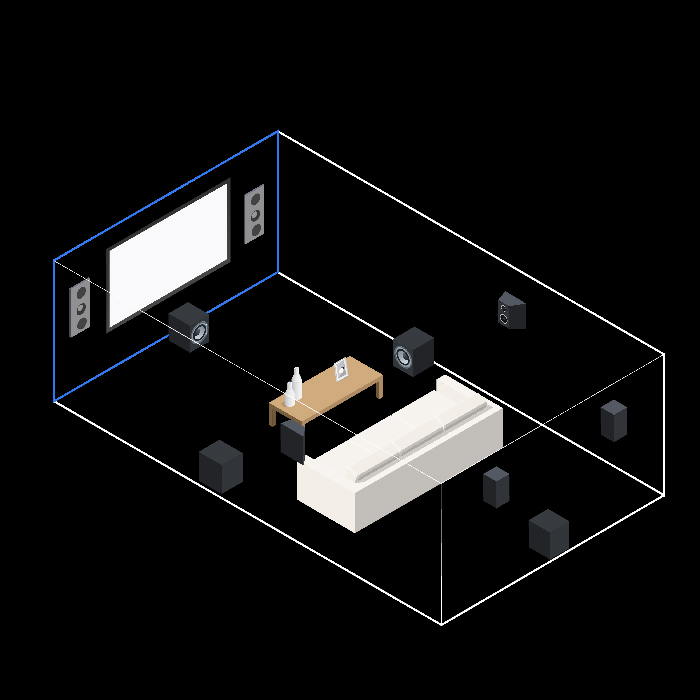
7.1 SPEAKER LAYOUT
FRONT SPEAKERS
CENTER CHANNEL
SIDE SURROUNDS
BACK SURROUNDS
SUBWOOFER
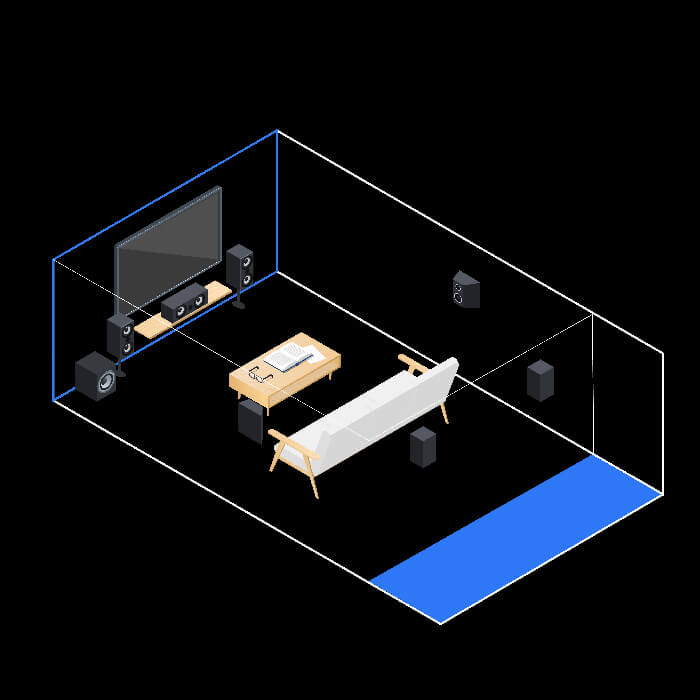
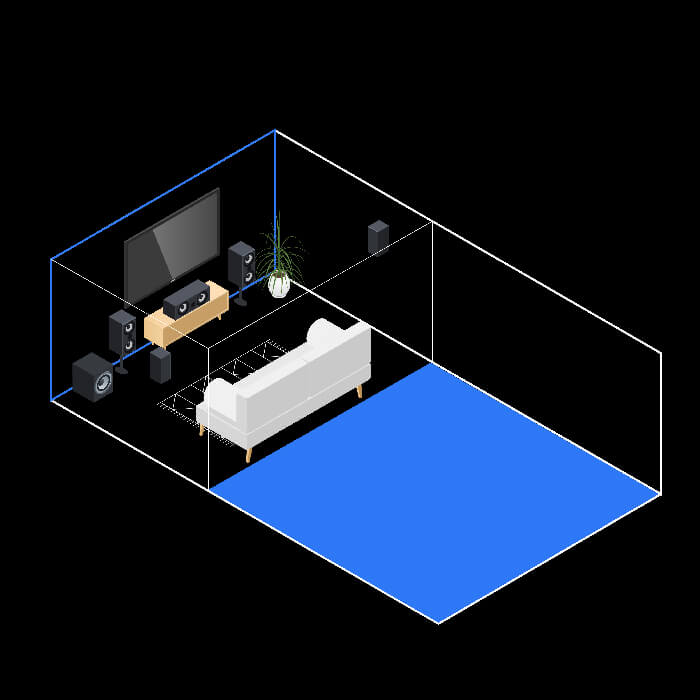
5.1 SPEAKER LAYOUT
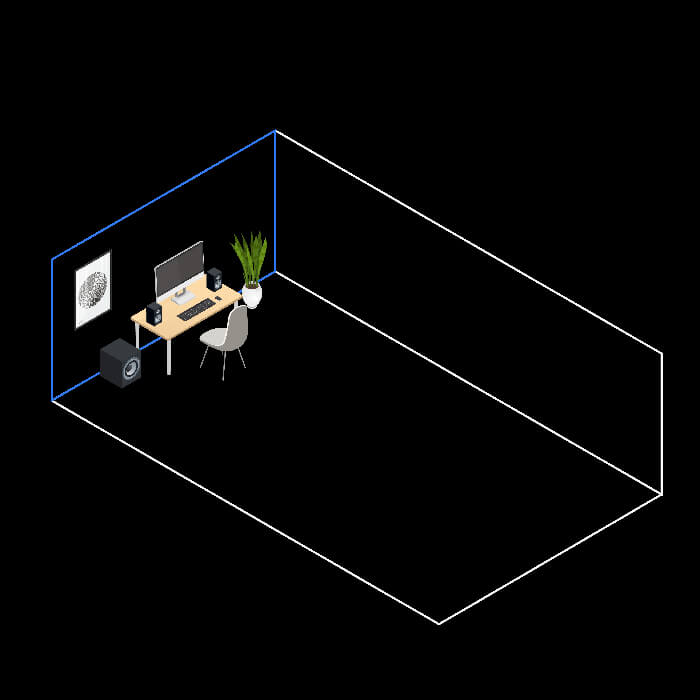
DESKTOP SPEAKER LAYOUT
CINEMA MODE
MUSIC MODE
GAMES MODE
PRE-AMPS
POWER AMPS
SPEAKERS
SPEAKER LAYOUT
BEHIND-THE-SCREEN
AUDITORIUM ISOLATION
REVERBERATION CONTROL
SCREEN PLACEMENT
PROJECTED IMAGE
RELEASES
ARTICLES