HOME ENTERTAINMENTHOME AUDIO & HDTVSCINEMAPRO STUDIOAUTOMOTIVETECHNOLOGIESTRAINING
> Home Entertainment > DVD > THX Optimizer > Audio Tests > Speaker Assignment
FIND A DVD
THX OPTIMIZER
VIDEO TESTS     
AUDIO TESTS     
OPTIMIZER GLASSES

"The simplest and least
 expensive way to
 calibrate a TV is to use
 the free THX Optimizer
 on any THX-Certified
 DVD."


 »New York Times


THX Optimizer Speaker Assignment

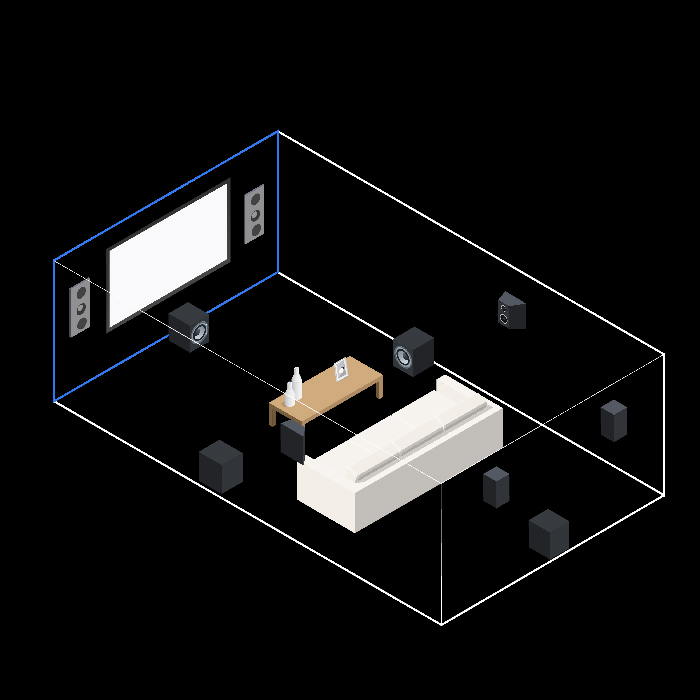
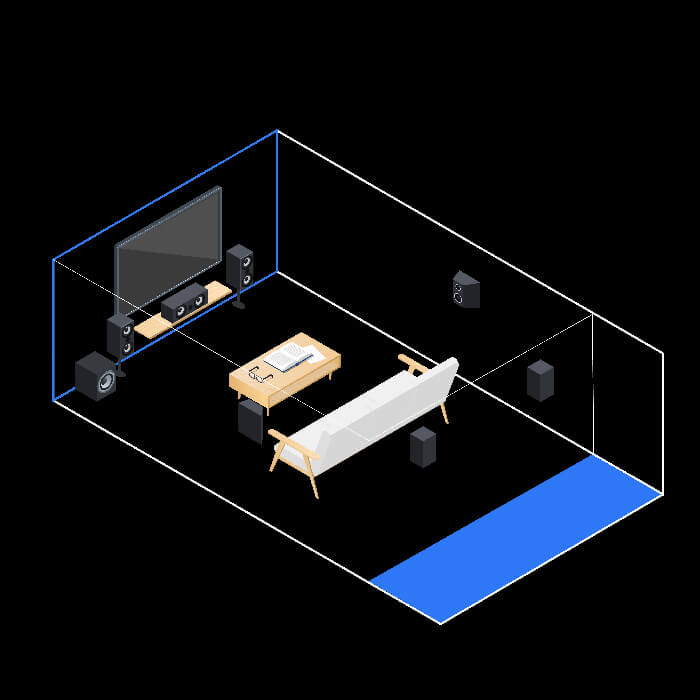
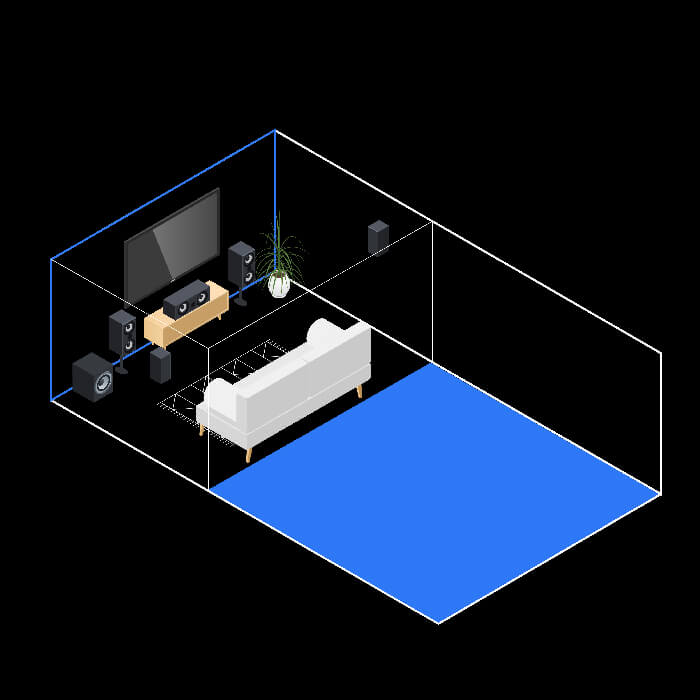
This test verifies that the speaker channel assignments are correct for a 5.1-channel or 7.1 sound system (left output from the receiver is going to the left speaker, center output to the center speaker, etc.) and that the audio output is balanced. To perform the test, modified pink noise (a “hissing” sound or static) will emanate from each audio channel. As this test plays, confirm that the output you hear from each speaker corresponds to that speaker’s graphic depicted on your television. If a discrepancy exists, fix the incorrect wiring and run this test again.

Improper volume levels for each speaker is a common problem with home theater systems. In multi-channel sound systems, the sound level for each speaker must be properly set to ensure accurate soundtrack reproduction. In the making of a movie, hours are often spent in THX certified mixing rooms mixing the audio tracks to precise levels to add to the realism and enjoyment of the motion picture. If the levels are improperly set in your home system, the audio imaging will be incorrect, affecting the accurate reproduction of everything from dialog to sound effects to the music track.

In order to check for a balanced audio system, sit where you would normally enjoy your home theater system. Then, listen to the series of test tones and be sure that each sounds equal in volume. Please note that these tones are not for adjusting the volume level of each speaker. Instead, this test is solely an aid in identifying improper level settings. You should use your receiver’s internal test tones to properly set each speaker’s volume level. Only these internal tones should be used for critical adjustment of your system’s volume level for each individual channel. If you have a THX certified home system, contact your certified Home THX dealer for alignment information for your particular system.

NOTE: If you are evaluating a two-channel system, you are concerned with only the left and right channels. If you are using a Dolby Pro-Logic system, remember that there is no distinction between the left surround and right surround channels. If you have a 5.1 system, the surround back channels will play in both the surround left and surround right channels simultaneously.

THX TECHNOLOGIESFIND THX CERTIFIED PRODUCTSHOME THEATER TIPSHOME THEATER TRAINING
CERTIFICATIONTECHNICAL LIBRARYCOMPANYPRESS RELEASES | ARTICLESNEWSLETTERTERMS OF USEPRIVACY POLICY

©2008 THX Ltd.
SPEAKER ASSIGNMENT
SPEAKER PHASE
SUBWOOFER CROSSOVER
CONTRAST/PICTURE SETUP
BRIGHTNESS SETUP
COLOR AND TINT SETUP
MONITOR PERFORMANCE
MONITOR CHECK
ASPECT RATIO SETUP
FINAL TEST
7.1 SPEAKER LAYOUT
FRONT SPEAKERS
CENTER CHANNEL
SIDE SURROUNDS
BACK SURROUNDS
SUBWOOFER
5.1 SPEAKER LAYOUT
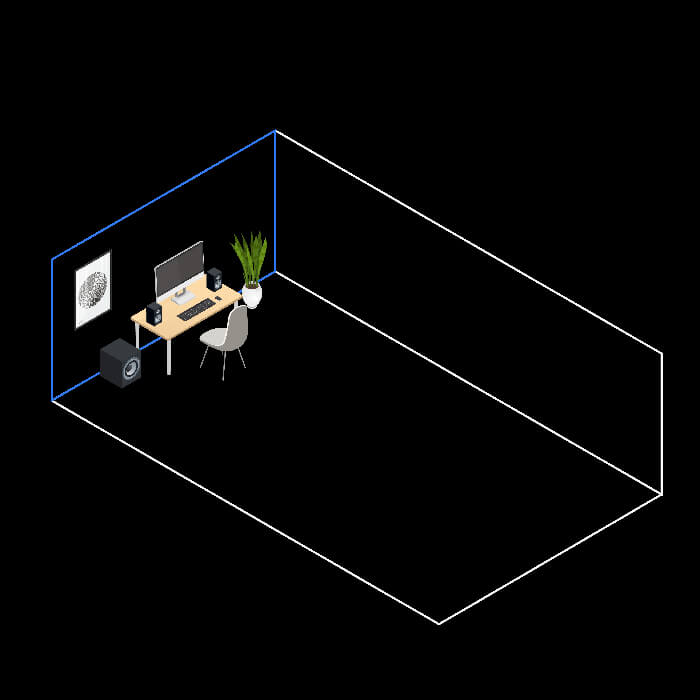
DESKTOP SPEAKER LAYOUT
CINEMA MODE
MUSIC MODE
GAMES MODE
PRE-AMPS
POWER AMPS
SPEAKERS
SPEAKER LAYOUT
BEHIND-THE-SCREEN
AUDITORIUM ISOLATION
REVERBERATION CONTROL
SCREEN PLACEMENT
PROJECTED IMAGE
RELEASES
ARTICLES