The entertainment experience you want wherever you want it
Get high-fidelity entertainment in the cinema, at home and on the go.



George Lucas had a vision: he wanted movie lovers everywhere to experience his movies —exactly the way he envisioned, and exactly as they were created in the studio. Unfortunately, cinemas didn’t have the existing technology setup to do so. Lucas and team designed a certification program to counter these challenges.
THX was born—and made available to moviegoers with the release of Star Wars Episode VI: Return of the Jedi. Now, over thirty-five years later, products bearing the THX brand still ensure you’re getting the truest sense of the artist’s vision—audio and video—in the cinema, at home, and on the go.
Learn more about THX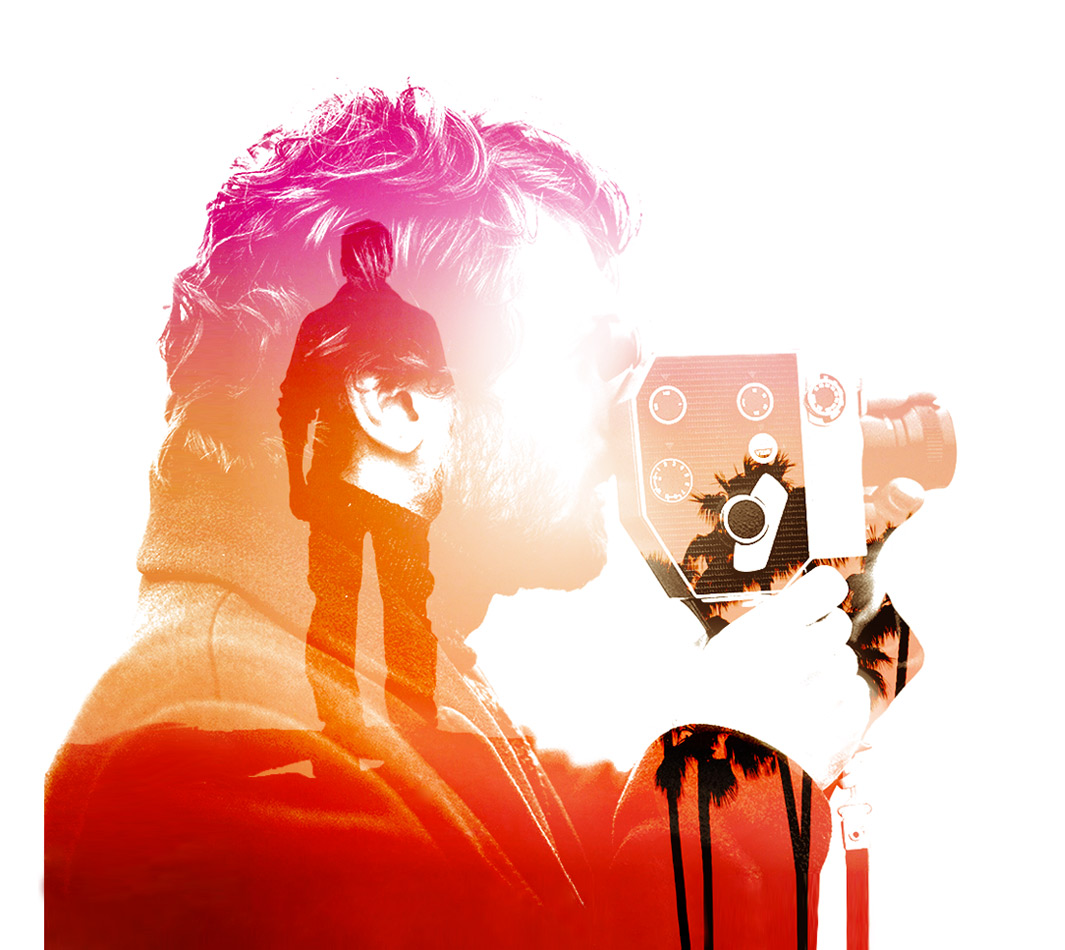
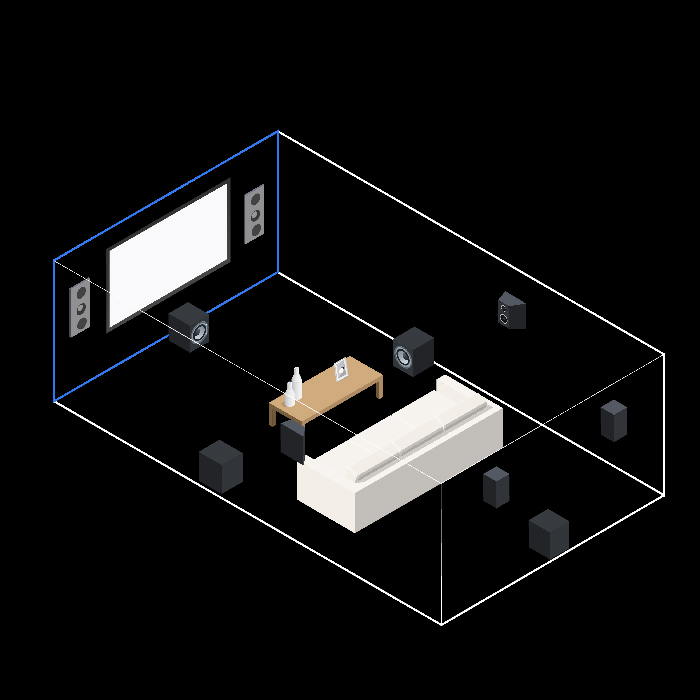
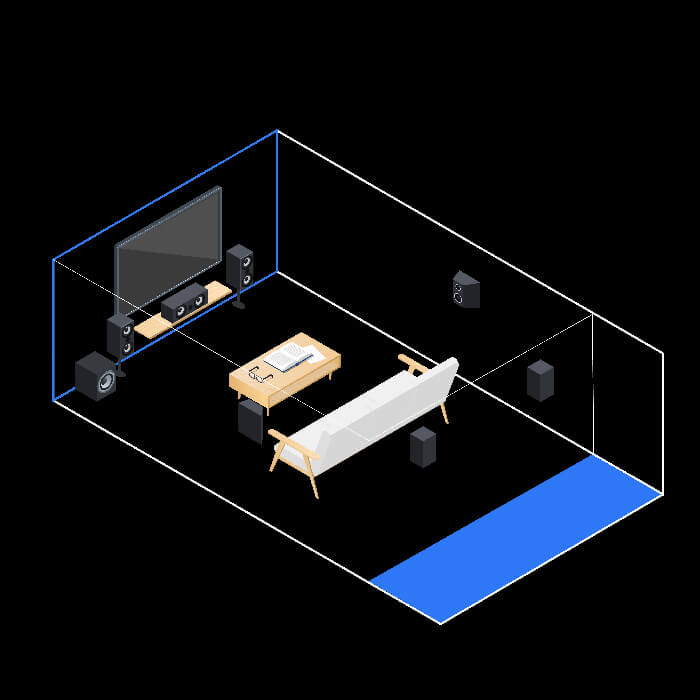
We have THX backed products and recommendations for setting up an amazing home theater for rooms of every size. What size is your room? Click on the tabs or diagram for more information, or visit our Room Size Guide.
Optimize video and audio for a cinema grade room.
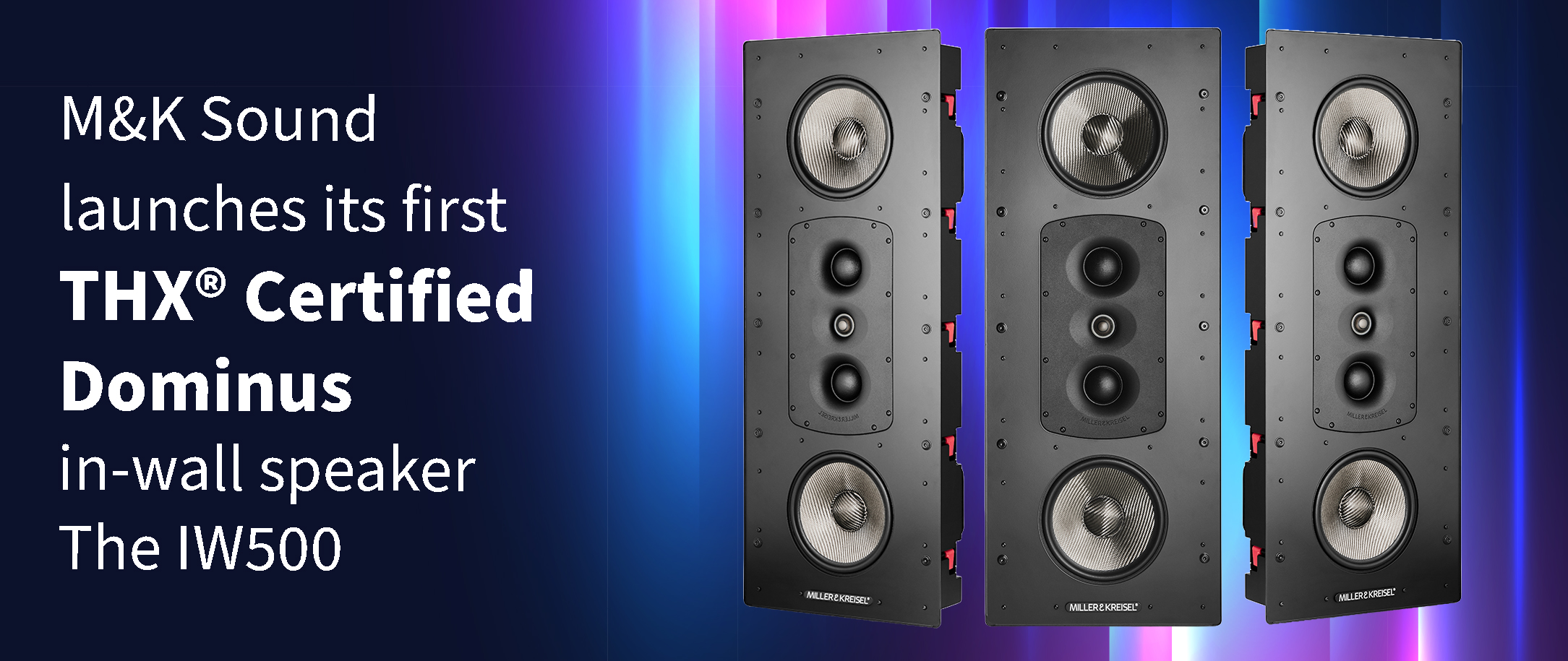
VIEW RECOMMENDED PRODUCTS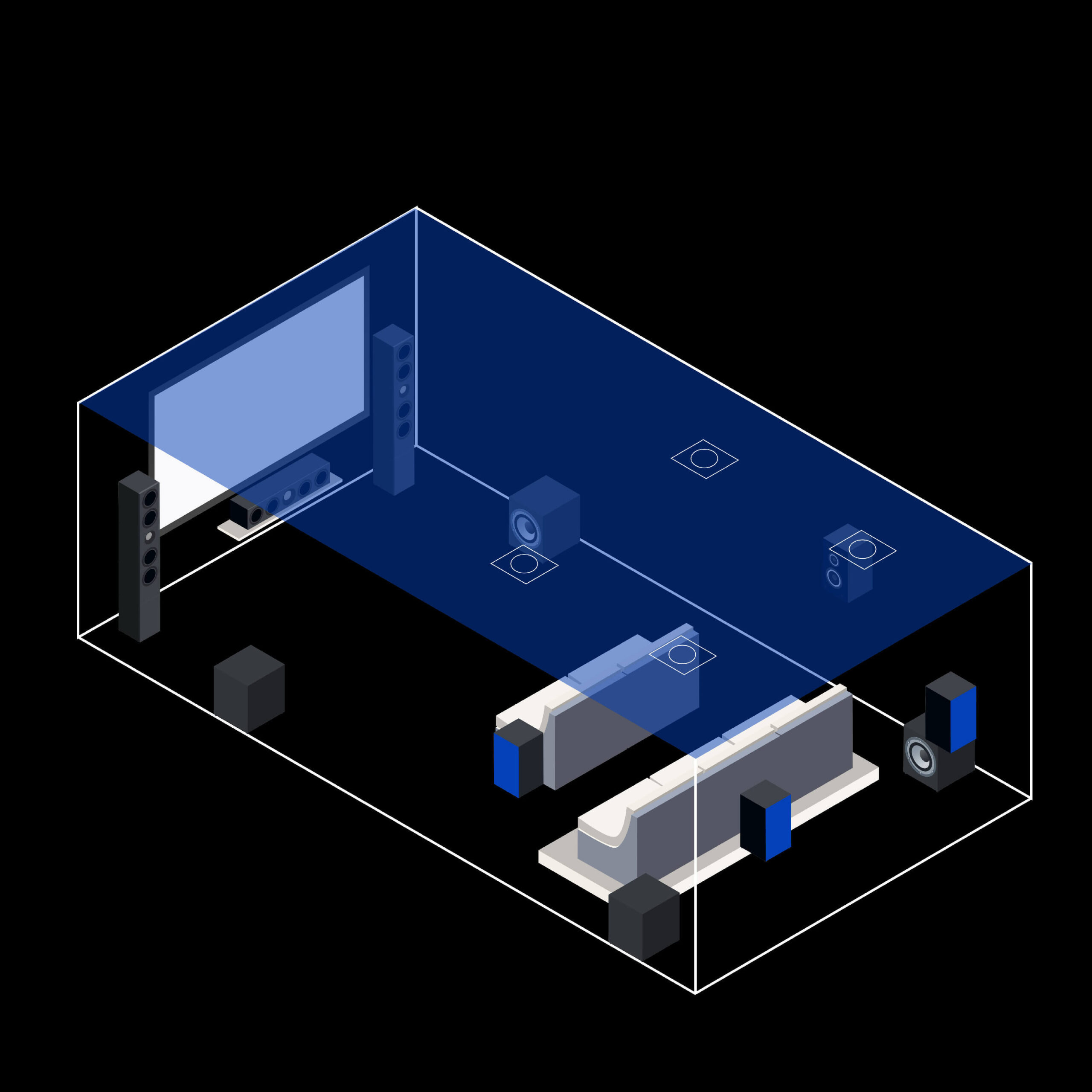 ~20 FT THX® CERTIFIED DOMINUS
 ~12 FT THX® CERTIFIED ULTRA
 ~10 FT THX® CERTIFIED SELECT
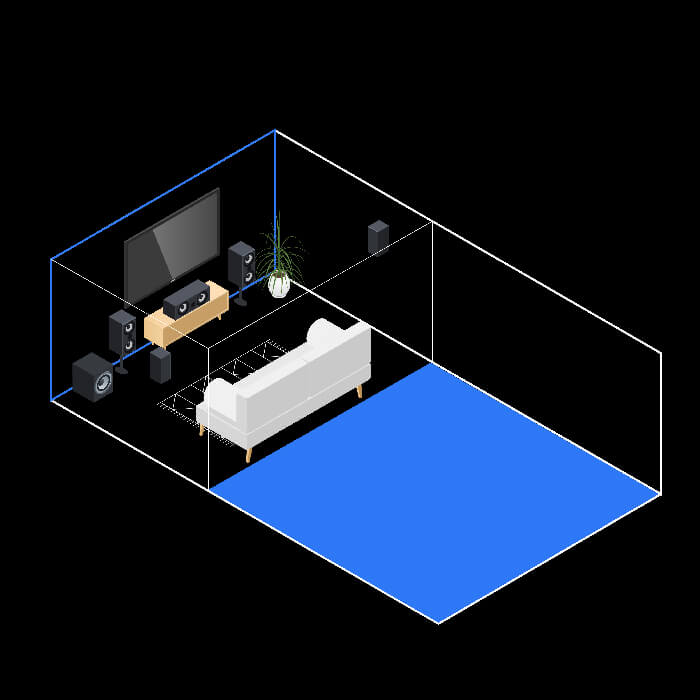 ~8 FT THX® CERTIFIED COMPACT
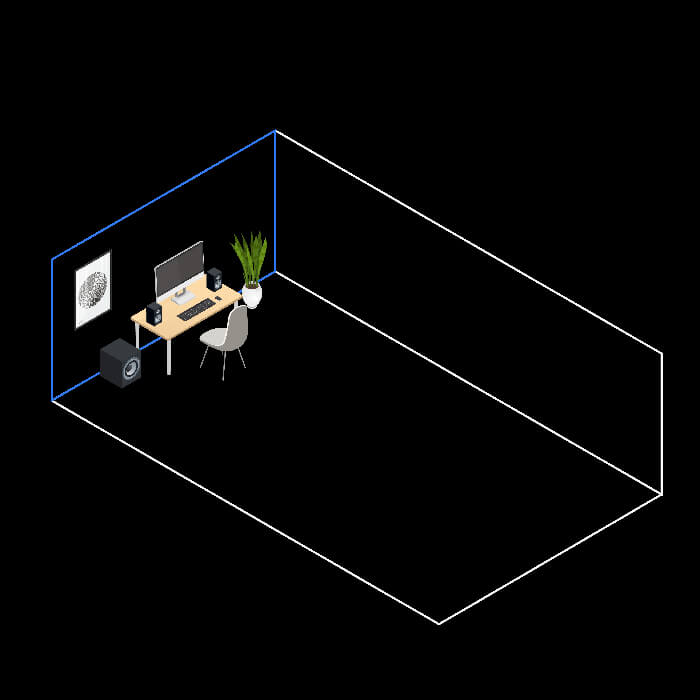 ~3 FT MULTIMEDIA