HOME ENTERTAINMENTHOME AUDIO & HDTVSCINEMAPRO STUDIOAUTOMOTIVETECHNOLOGIESTRAINING
> Home Entertainment > DVD > THX Optimizer > Video Tests > Brightness Setup
FIND A DVD
THX OPTIMIZER
VIDEO TESTS     
AUDIO TESTS     
OPTIMIZER GLASSES

"The simplest and least
 expensive way to
 calibrate a TV is to use
 the free THX Optimizer
 on any THX-Certified
 DVD."


 »New York Times


THX Optimizer Brightness Set-Up

Black level, or "how black are the black areas", is just as important as the white level and also requires careful adjustment. The brightness setting on your television determines the overall black level of the picture. As with contrast, the brightness adjustment should be made under the viewing conditions you expect at the time you plan to watch the movie.

For the brightness test, THX Optimizer provides a signal that displays two bars containing ten shades of black at the top and bottom of the screen, the THX logo, and a drop shadow behind the THX logo. The THX logo is just slightly lighter than (or above) "black" and the drop shadow is just slightly darker than (or below) "black". The background area is considered the true "black" for your television. The two shades or levels of black are known as pluge.

The goal is to use your brightness adjustment to make the THX logo (lighter than/above "black") barely visible, while making the drop shadow (darker than/below "black") blend into the surrounding "black" areas (see Figures 2-4).

Note: Some DVD players may not be able to play back video levels below "black", so you may not be able to see the drop shadow or the three darkest shades of the ten black boxes. Figure 5 shows an example of what the test pattern looks like if you have one of these players and the brightness control is turned up. To determine whether your DVD player cannot display levels below “black”, turn up your brightness control and count how many boxes you can see at the top and bottom of the screen. If you can only see seven shades of black boxes, your player cannot display levels below “black”. However, you can still correctly set-up your Brightness level by following the next instructions. Turn down the brightness control until you can no longer see the seventh darkest shade of black at the top and bottom of the screen. Then, turn up the brightness control until you can barely see the seventh darkest box.

The Brightness adjustment can be very important for some projection televisions since the black content of the video can contain video noise or hum, which can be detrimental to the picture. It’s important, therefore, in the case of a projection television to position yourself at the proper angle that allows full brightness to be observed from the picture screen.

THX TECHNOLOGIESFIND THX CERTIFIED PRODUCTSHOME THEATER TIPSHOME THEATER TRAINING
CERTIFICATIONTECHNICAL LIBRARYCOMPANYPRESS RELEASES | ARTICLESNEWSLETTERTERMS OF USEPRIVACY POLICY

©2008 THX Ltd.
SPEAKER ASSIGNMENT
SPEAKER PHASE
SUBWOOFER CROSSOVER
CONTRAST/PICTURE SETUP
BRIGHTNESS SETUP
COLOR AND TINT SETUP
MONITOR PERFORMANCE
MONITOR CHECK
ASPECT RATIO SETUP
FINAL TEST
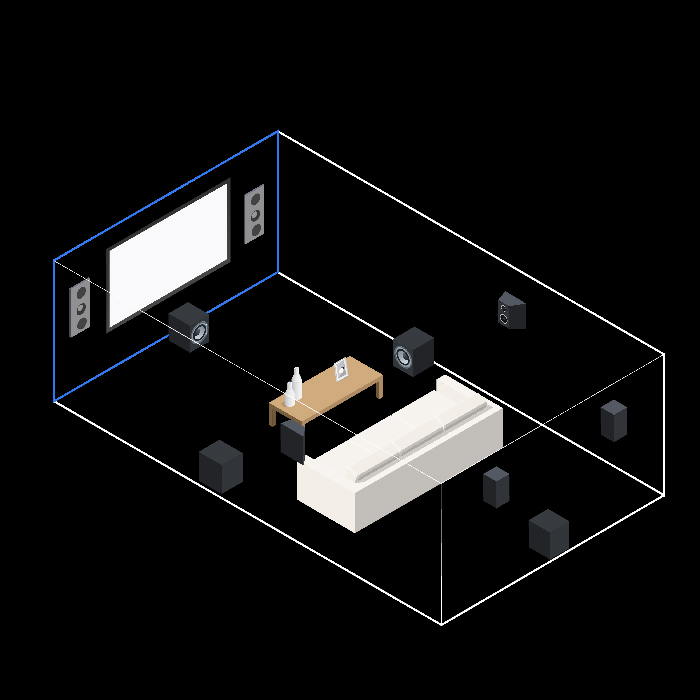
7.1 SPEAKER LAYOUT
FRONT SPEAKERS
CENTER CHANNEL
SIDE SURROUNDS
BACK SURROUNDS
SUBWOOFER
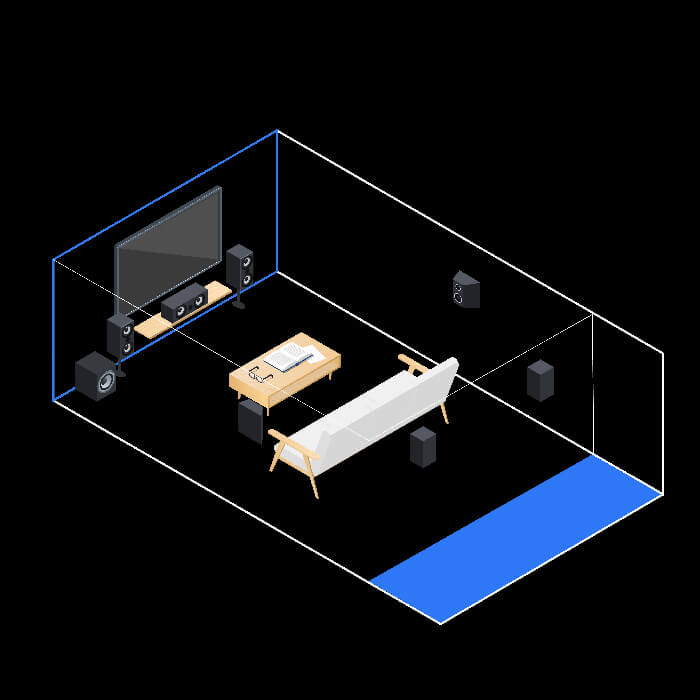
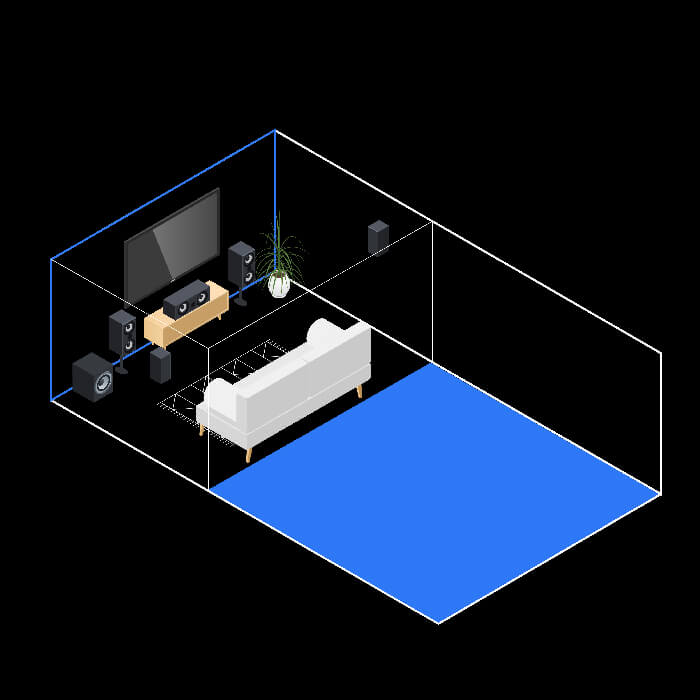
5.1 SPEAKER LAYOUT
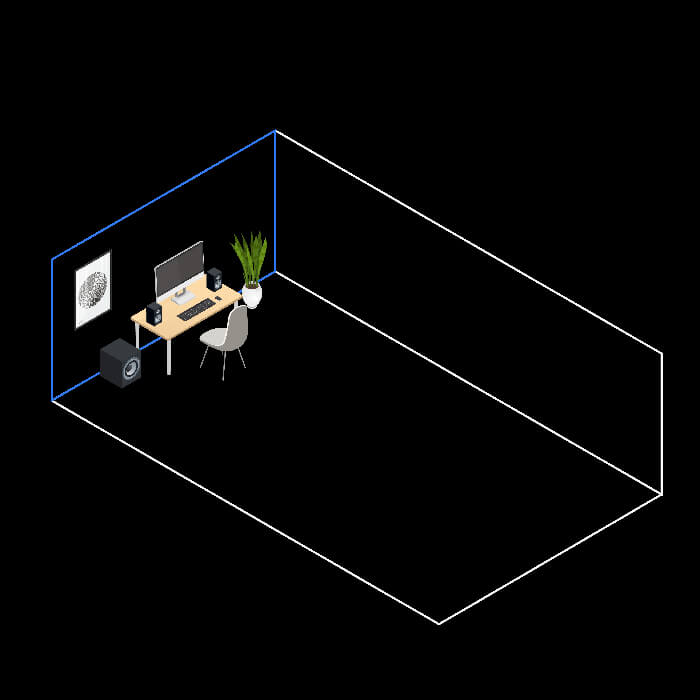
DESKTOP SPEAKER LAYOUT
CINEMA MODE
MUSIC MODE
GAMES MODE
PRE-AMPS
POWER AMPS
SPEAKERS
SPEAKER LAYOUT
BEHIND-THE-SCREEN
AUDITORIUM ISOLATION
REVERBERATION CONTROL
SCREEN PLACEMENT
PROJECTED IMAGE
RELEASES
ARTICLES